


AutoCAD Basic Drawing: A Complete Beginner's Guide
A practical starting guide to AutoCAD drafting — setup, the commands that matter, and the habits that make later work easier.
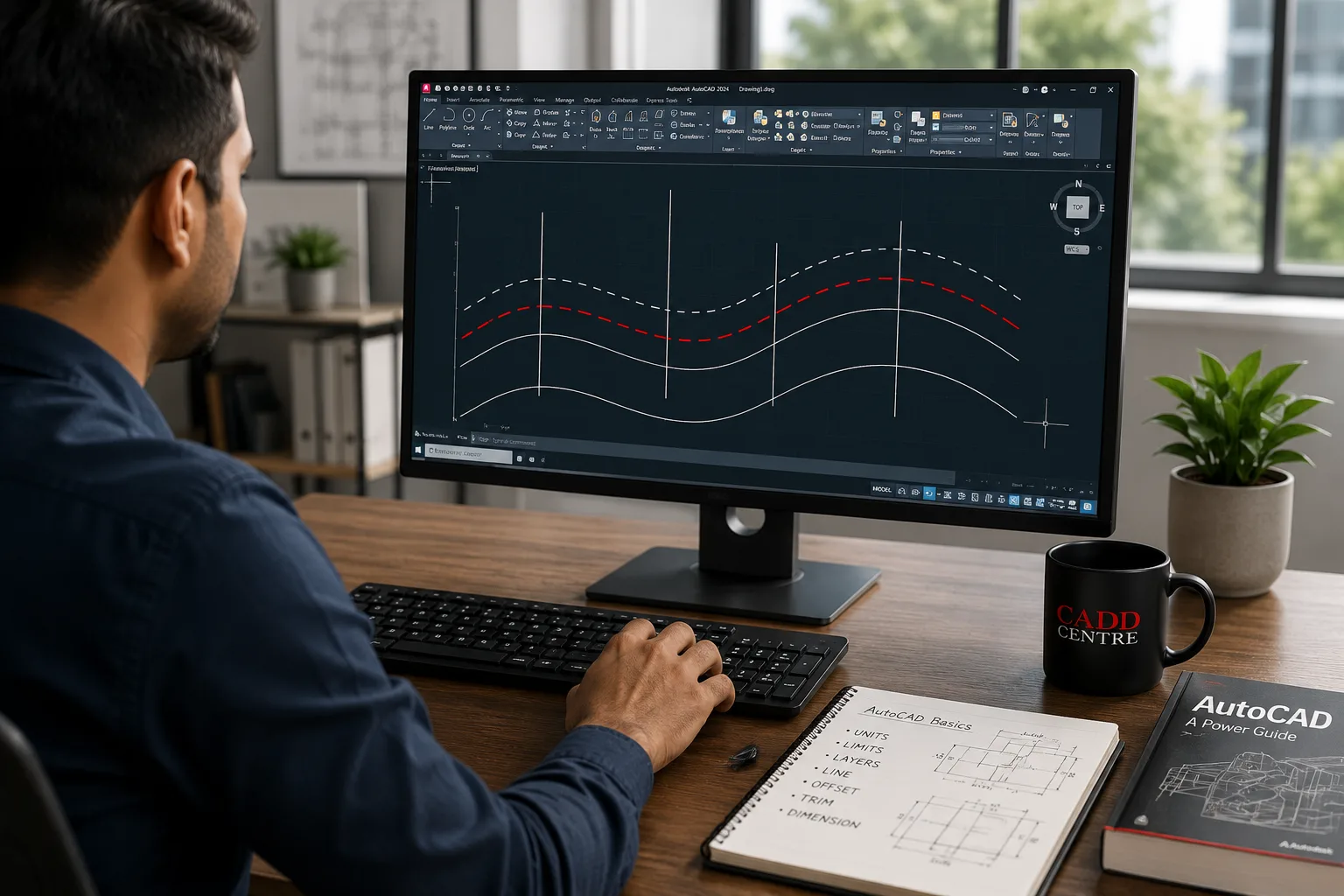
Start with the setup, not the commands
Most beginners open AutoCAD and start drawing lines. That works for about twenty minutes, and then the drawing becomes unmanageable. Units, limits, layers and a template are boring for ten minutes and save hours afterwards.
The commands that carry most of the work
A small set of commands does most real drafting: LINE, CIRCLE, ARC, OFFSET, TRIM, EXTEND, FILLET, COPY, MOVE, MIRROR and ARRAY. Learn these to the point of not thinking about them before adding anything else.
Precision is not optional
Drawing by eye is the single most common beginner habit and the hardest to unlearn. Object snaps, polar tracking and typed coordinates exist so that geometry is exact. A drawing that looks right and measures wrong is worse than no drawing.
Layers are how drawings stay readable
Layers separate what a drawing is made of. Set them up early with sensible names, colours and linetypes. When somebody else opens your file — and they will — layers are what makes it navigable.
Annotation and output
A drawing communicates or it fails. Dimension styles, text styles, layouts, viewports and plot scales are the part that turns geometry into something a workshop or a site can use.
Where this leaves you
If you are learning AutoCAD to get work rather than as a hobby, the drafting standard matters more than the software speed. Employers look at whether your drawing is readable, correctly layered and correctly annotated.